
Download Sources
Device Configuration
Split APKs Installation Guide
Some apps are distributed as Split APKs (multiple .apk files packaged together) to optimize resources. Standard Android installers cannot open them.
Related Applications




What's New
- Updated SciChart library to support Android 15 requirements
About this app
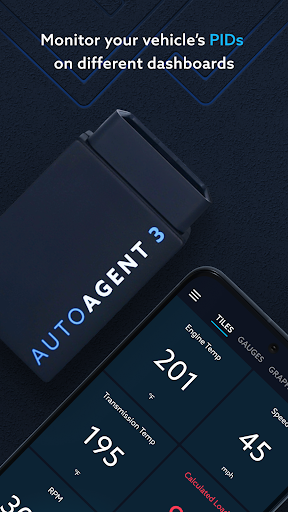
The EZ LYNK Auto Agent combines function and convenience, revolutionizing the way you monitor, diagnose, and update your vehicle's software. Carry the automobile industry's most powerful tool in your pocket.
- Display your vehicle's live data
- Read and clear Diagnostic trouble codes
- Create data recordings that can be played back at your convenience
- Send data recordings to your chosen technician
- Connect your technician to your automobile for remote assistance
- Save yourself trips to your repair facility by allowing your technician to access your vehicle's data port
- Install vehicle software updates sent directly to you from your chosen technician
How to Download Auto Agent APK
- Enter the package name
com.ezlynk.autoagenton the APK Downloader homepage. - Select your device architecture (ARM64 recommended for modern devices).
- Click Download to get the merged APK file.
- Transfer and install the APK on your Android device.
- Keep Updated: Visit APK Downloader regularly to search for and download the latest secure versions of your favorite apps.
Security & Signature Verification
This APK download is 100% safe. We verify that the cryptographic signature of the file matches the official developer credentials. No modifications or adware are injected.