
Источники загрузки
Device Configuration
Руководство по установке Split APK
Некоторые приложения распространяются в виде Split APK (несколько упакованных вместе файлов .apk) для оптимизации ресурсов. Стандартные установщики Android не могут их открыть.
Похожие Приложения






Что нового
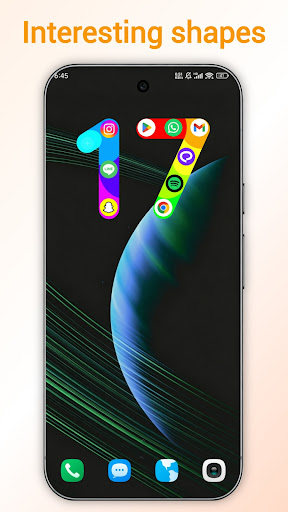
1. Added a number 17 style to the third screen widget
2. Added a distracting app feature
3. Optimized the original default color themes, and added several new color themes
4. Fixed the issue where users couldn't find the default themes in the theme store
5. Optimized the home screen widget color
6. Optimized the guide page themes
О приложении
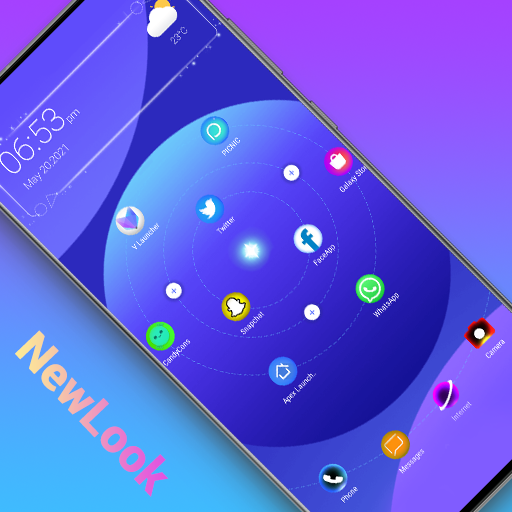
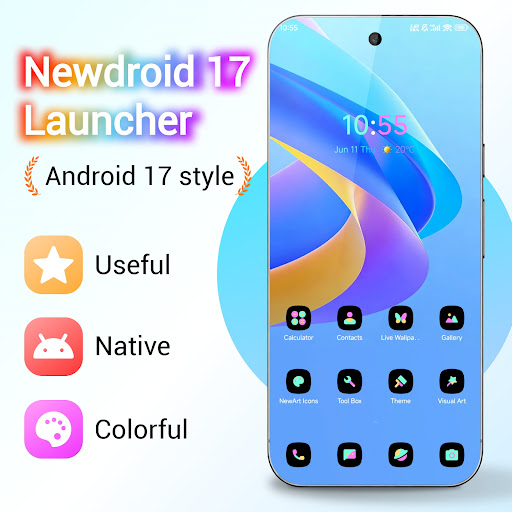
NewDroid 17 Launcher is made for you to experience Android™ 17 Launcher features. NewDroid 17 Launcher make your phone's homescreen/desktop more powerful & colorful, bring you the new Android 17 style. NewDroid 17 Launcher migrate Android 17 Launcher features to all Android 6.0+ devices.
Just enjoy to use NewDroid 17 Launcher!
🌟🌟🌟🌟🌟NewDroid 17 Launcher Main Features:
+ NewDroid 17 Launcher has many Android 17 Launcher features, they are available to all Android 6.0+ devices
+ Icons are adapted to wallpaper
+ Multiple wallpaper color schemes for colorful icons
+ Massive beautiful wallpapers and themes
+ Hide apps you don't need
+ Gesture operations
+ Vertical/Horizontal drawer style
+ NewDroid 17 Launcher has many cool animations and effects
+ NewDroid 17 Launcher has many lively 3D parallax live wallpapers
+ NewDroid 17 Launcher has many options to change grid size, icon size, text color, etc.
+ Multiple photo frame widgets
+ Multiple desktop transition effects, such as cube, cylinder, wave, cross, etc
+ Multiple finger effects which will show when you touch desktop screen
+ Multiple screen edge effect, such as neon, marquee, etc
+ Multiple live effects which you can add to screen, such as bubble, wave, love shape, leave, rock music, etc
+ You can lock desktop layout
+ Notifier feature in NewDroid 17 Launcher can make you don't miss important notifications
+ Support icon group pattern which you can add to screen, there are pattern with emoji.
+ NewDroid 17 Launcher provide useful tools to help you manage phone
+ NewDroid 17 Launcher support third-party icon packs
+ NewDroid 17 Launcher has Kids Mode
+ In NewDroid 17 Launcher, you can DIY wallpaper
Statement:
- Android™ is a registered trademark of Google, Inc.
- NewDroid Launcher is NOT official Android 17 Launcher product, it is made for you to experience Android™ 17 Launcher features for all Android 6.0+ devices owner
❤️❤️❤️❤️❤️ Hope you will love NewDroid 17 Launcher, which provide you Android 17 Launcher experience. Your comments are welcome! Thanks a lot!
Как скачать APK NewDroid 17 Launcher
- Введите имя пакета
com.newdroid.launcherна главной странице APK Downloader. - Выберите архитектуру вашего устройства (для современных устройств рекомендуется ARM64).
- Нажмите Скачать, чтобы получить объединенный файл APK.
- Перенесите и установите APK на свое устройство Android.
- Следите за обновлениями: Регулярно посещайте APK Downloader, чтобы искать и скачивать последние безопасные версии ваших любимых приложений.
Безопасность и проверка подписи
Эта загрузка APK на 100% безопасна. Мы проверяем соответствие цифровой подписи файла официальным ключам разработчика. Изменения и реклама отсутствуют.