
Download Sources
Device Configuration
Split APKs Installation Guide
Some apps are distributed as Split APKs (multiple .apk files packaged together) to optimize resources. Standard Android installers cannot open them.
Related Applications




What's New
API Update for Enhanced Performance
About this app
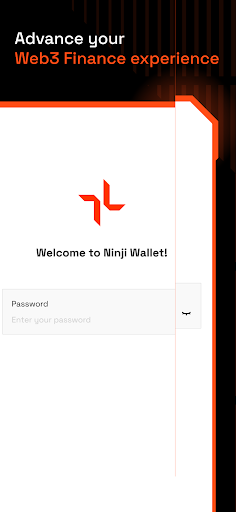
"Ninji is your agile Injective Wallet for a fast and effortless experience in managing assets and connecting to Injective dApps.
Ninji is designed for passionate users seeking an efficient and straightforward solution for managing their digital assets and access to the truly decentralization. By offering ease, security, and instant connectivity, Ninji unlocks the full potential for a broad audience, setting itself apart as the go-to wallet for effortless DeFi experiences. Its exceptional offerings include:
+ Seamlessly send & receive assets
+ Solely own your self-custodial wallet
+ Effortlessly secure your privacy & security
+ Freely explore DeFi with a friendly user interface
+ Instantly connect to Injective dApps
+ Personalize your interface with customized light and dark modes.
Install now to experience seamless Decentralize Finance with Ninji.
We are always here to help:
+ Twitter: https://twitter.com/ninjiwallet
+ Discord: https://t.co/YXndeEhNII"
How to Download Ninji Wallet By Coin98 APK
- Enter the package name
ninji.wallet.crypto.financeon the APK Downloader homepage. - Select your device architecture (ARM64 recommended for modern devices).
- Click Download to get the merged APK file.
- Transfer and install the APK on your Android device.
- Keep Updated: Visit APK Downloader regularly to search for and download the latest secure versions of your favorite apps.
Security & Signature Verification
This APK download is 100% safe. We verify that the cryptographic signature of the file matches the official developer credentials. No modifications or adware are injected.