
Download Sources
Device Configuration
Split APKs Installation Guide
Some apps are distributed as Split APKs (multiple .apk files packaged together) to optimize resources. Standard Android installers cannot open them.
Related Applications




What's New
We regularly modify Regate by Qonto in an effort for continuous improvement. To make sure you don't miss anything, enable updates.
About this app
The platform designed by accountants for accountants.
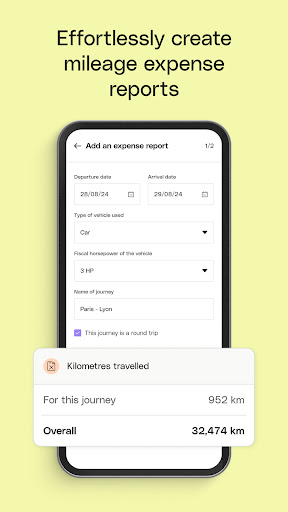
Regate was designed to help accountants and finance departments save time in their daily tasks. This smart and intuitive platform makes business accounting easier: it understands, automates and gives you better control over your business.
How to Download Regate by Qonto APK
- Enter the package name
io.regate.regateon the APK Downloader homepage. - Select your device architecture (ARM64 recommended for modern devices).
- Click Download to get the merged APK file.
- Transfer and install the APK on your Android device.
- Keep Updated: Visit APK Downloader regularly to search for and download the latest secure versions of your favorite apps.
Security & Signature Verification
This APK download is 100% safe. We verify that the cryptographic signature of the file matches the official developer credentials. No modifications or adware are injected.