
Download Sources
Device Configuration
Split APKs Installation Guide
Some apps are distributed as Split APKs (multiple .apk files packaged together) to optimize resources. Standard Android installers cannot open them.
Related Applications


What's New
- App optimization
- Fix bugs
About this app
Making music just got easier with our app. You can not only create music, but also record voice, apply effects and improve it. Beat Machine makes music creation possible anywhere. And the beats will add a special rhythm to the sound.
Beat Machine is the only simple music creation app to showcase your musical talents.
• An extensive library of the highest quality and trendiest sound packs
• In Beat Machine you can create your own, unique compositions
• Trap, Drill, Hip-Hop, Phonk, Chill House, Krush Funk, Lo-Fi, Dubstep, EDM, Future Bass, SynthWave, Deep House, Techno and more
• Control of sound effects in life mode
• Drum pad mode lets you create your own beats and drum pads
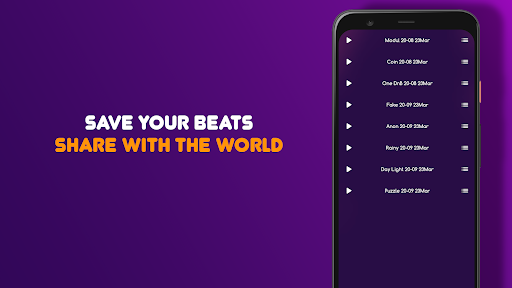
• Ability to save your music to your phone or share in social. networks
• Convenient and intuitive interface will allow you to create your own beats
• Learning, tips and ease of use, this is a next generation drum machine.
• Built-in BPM control for better performance
Simple and functional, Beat Machine is well-suited for professional DJs, rhythm makers, music producers and music lovers alike. Let you write music and make beats anytime, anywhere!
Beat Machine is easy for beginners and 100% functional for professional musicians!
How to Download Beat Machine: Music Maker & DJ APK
- Enter the package name
com.uminate.beatmachineon the APK Downloader homepage. - Select your device architecture (ARM64 recommended for modern devices).
- Click Download to get the merged APK file.
- Transfer and install the APK on your Android device.
- Keep Updated: Visit APK Downloader regularly to search for and download the latest secure versions of your favorite apps.
Security & Signature Verification
This APK download is 100% safe. We verify that the cryptographic signature of the file matches the official developer credentials. No modifications or adware are injected.