
Download Sources
Device Configuration
Split APKs Installation Guide
Some apps are distributed as Split APKs (multiple .apk files packaged together) to optimize resources. Standard Android installers cannot open them.
Related Applications


What's New
- Offline event type rule restriction
- Translation updates
- Various fixes
About this app
Seamless event scanning, powered by TM1.
TM1 Scanning ensures your event-day staff have the powerful tools they need right in their hands.
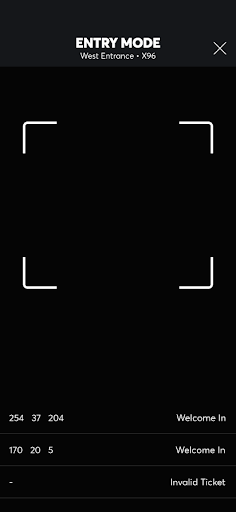
TM1 Scanning allows front of house staff, ushers, ticket takers, and floor managers to use mobile devices to start scanning tickets fast and easily.
With fast device setup and flexible deployment, teams can quickly connect devices to a venue, get approved, and start scanning in minutes—while maintaining control over access and operations.
How to Download TM1 Scanning APK
- Enter the package name
com.ticketmaster.frontieron the APK Downloader homepage. - Select your device architecture (ARM64 recommended for modern devices).
- Click Download to get the merged APK file.
- Transfer and install the APK on your Android device.
- Keep Updated: Visit APK Downloader regularly to search for and download the latest secure versions of your favorite apps.
Security & Signature Verification
This APK download is 100% safe. We verify that the cryptographic signature of the file matches the official developer credentials. No modifications or adware are injected.