
Download Sources
Device Configuration
Split APKs Installation Guide
Some apps are distributed as Split APKs (multiple .apk files packaged together) to optimize resources. Standard Android installers cannot open them.
Related Applications


What's New
Bug fixes and improvements
About this app
Directly support the creators you love.
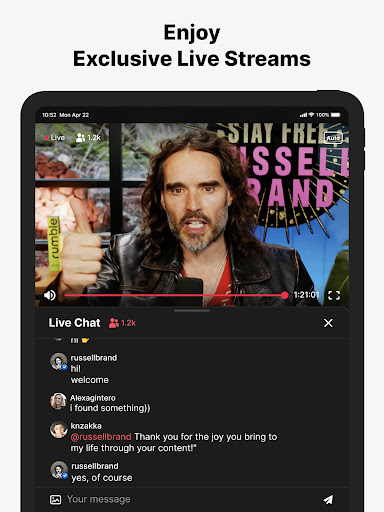
Control your content and avoid the algorithms. Built from the ground up to champion the needs of creators, Locals does not sell your data and creators have unprecedented ownership over theirs. With features like live-streaming with chat, community feeds and posts, and content libraries for video and audio, the Locals app is an all-in-one solution to interact with the content you love, while directly supporting the independence of the communities and creators you care about.
Power to the people. Not the platform. On Locals.
How to Download Locals.com APK
- Enter the package name
com.locals.localsappon the APK Downloader homepage. - Select your device architecture (ARM64 recommended for modern devices).
- Click Download to get the merged APK file.
- Transfer and install the APK on your Android device.
- Keep Updated: Visit APK Downloader regularly to search for and download the latest secure versions of your favorite apps.
Security & Signature Verification
This APK download is 100% safe. We verify that the cryptographic signature of the file matches the official developer credentials. No modifications or adware are injected.