
Download Sources
Device Configuration
Split APKs Installation Guide
Some apps are distributed as Split APKs (multiple .apk files packaged together) to optimize resources. Standard Android installers cannot open them.
Related Applications




What's New
Go on, open the app – your Big Crispy™ Chicken Sandwich is waiting.
P.S. Tap “Order History” and whisper “I want my baby back” for good luck.(Just kidding... or are we?)
About this app
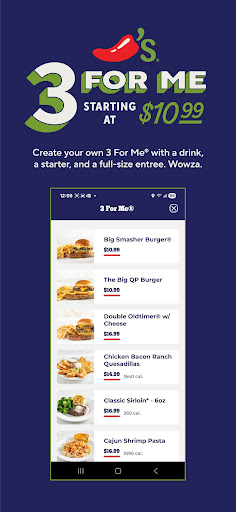
Big QP burger. Baby Back Ribs. Chips & Salsa. Whatever you’re craving, get it faster
with the Chili’s app – now refreshed with a sleek new look and easier ordering.
Download now and:
• Order for Pickup or Delivery
• Check out fast and reorder in a tap
• Track My Chili’s perks
• Find your go-to Chili’s in seconds
• Get bold flavor on your schedule
Get in. Get out. Get your Chili’s fix – all from your phone.
How to Download Chilis APK
- Enter the package name
com.brinker.chilison the APK Downloader homepage. - Select your device architecture (ARM64 recommended for modern devices).
- Click Download to get the merged APK file.
- Transfer and install the APK on your Android device.
- Keep Updated: Visit APK Downloader regularly to search for and download the latest secure versions of your favorite apps.
Security & Signature Verification
This APK download is 100% safe. We verify that the cryptographic signature of the file matches the official developer credentials. No modifications or adware are injected.