
Download Sources
Device Configuration
Split APKs Installation Guide
Some apps are distributed as Split APKs (multiple .apk files packaged together) to optimize resources. Standard Android installers cannot open them.
Related Applications




What's New
- Widget for quick lock/unlock apps and notifications
About this app
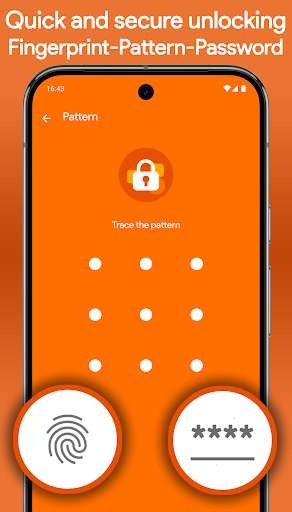
🔒 AppLockr helps you lock apps, protect your privacy, and secure personal data with PIN or fingerprint protection.
Keep your private apps safe, hide sensitive notifications, and automatically capture intruder selfies when someone enters the wrong PIN.
Protect WhatsApp, Telegram, Instagram, Photos, Gallery, and other private apps with powerful app lock protection.
✅ KEY FEATURES:
• Lock apps with secure PIN or fingerprint protection
• Hide notifications from locked apps for complete privacy
• Intruder selfie – Automatically capture photos of anyone trying to unlock your apps with the wrong PIN
• Encrypt private photos, files, and sensitive data with secure AES-256 encryption
• Instantly view intruder selfies when opening the app
• Flexible protection modes – Lock apps, notifications, or both together
• Quick lock and unlock widget for fast access
• Local storage only – No cloud uploads, no third-party sharing
🔐 YOUR PRIVACY COMES FIRST
AppLockr does not track your activity or upload your personal data.
No cloud storage. No tracking. No data sharing. Everything stays securely on your device.
🧩 LIGHTWEIGHT, FAST, AND SIMPLE
Designed for speed and ease of use, AppLockr protects your apps without slowing down your phone or draining your battery.
🚀 GET STARTED NOW
Secure your apps, protect your privacy, and keep your personal data safe with AppLockr.
How to Download App Lock & Privacy — AppLockr APK
- Enter the package name
com.applockron the APK Downloader homepage. - Select your device architecture (ARM64 recommended for modern devices).
- Click Download to get the merged APK file.
- Transfer and install the APK on your Android device.
- Keep Updated: Visit APK Downloader regularly to search for and download the latest secure versions of your favorite apps.
Security & Signature Verification
This APK download is 100% safe. We verify that the cryptographic signature of the file matches the official developer credentials. No modifications or adware are injected.