
Download Sources
Device Configuration
Split APKs Installation Guide
Some apps are distributed as Split APKs (multiple .apk files packaged together) to optimize resources. Standard Android installers cannot open them.
Related Applications



What's New
Bug fixes and improvements
About this app
Antivirus for Android is a multi-function and convenient app that will help you protect and clean your device! Antivirus for Android – reliable protection of your device against viruses, ensuring the security of your device's and personal data.
Main features:
● Antivirus - virus removal and security improvements.
Device protection against hacker attacks. The antivirus will scan, detect and delete viruses on your device. Device protection against all potential threats: viruses, trojans, malware, spyware, and adware.
● Cleaning and device configuration by deleting needless background tasks. Disable startup apps to decrease memory usage.
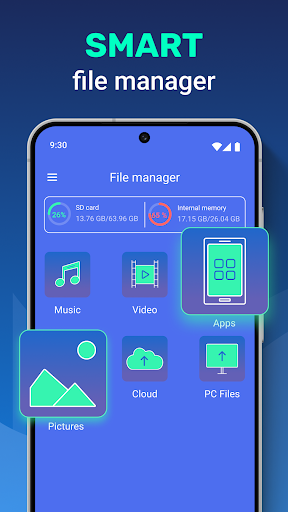
● File manager - useful instrument for file management on your device. Wireless connection to any other device.
● VPN - VPN protects your privacy on the internet and hides your IP address. With our built-in VPN, you can access geo-restricted content and protect your online privacy by encrypting your internet traffic.
● Apps protection helps you protect your apps, personal data, and conversations from other people.
In our app, you can use the AccessibilityService API to clean and configure your device conveniently and to protect your apps and data stored on the device from access by third parties. To do so, you will need to carefully read the terms and confirm the use of this API in our app. With use of the AccessibilityService API our app does not collect, process, store or send data about the device or its owner to third parties.
How to Download Antivirus - Cleaner + VPN APK
- Enter the package name
cleaner.antiviruson the APK Downloader homepage. - Select your device architecture (ARM64 recommended for modern devices).
- Click Download to get the merged APK file.
- Transfer and install the APK on your Android device.
- Keep Updated: Visit APK Downloader regularly to search for and download the latest secure versions of your favorite apps.
Security & Signature Verification
This APK download is 100% safe. We verify that the cryptographic signature of the file matches the official developer credentials. No modifications or adware are injected.